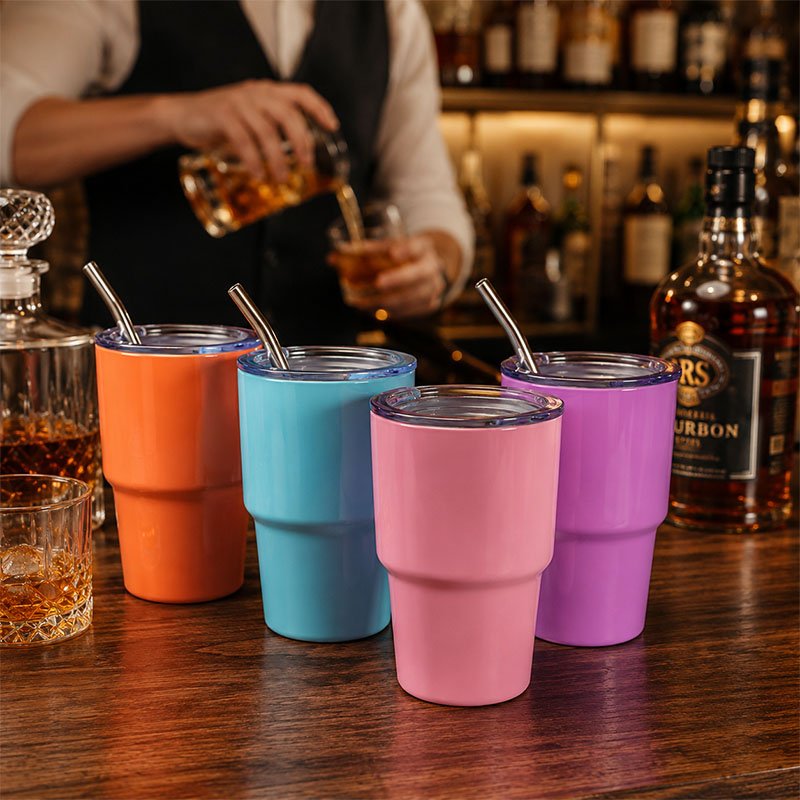
Sublimation printing uses heat to transfer dye from printed paper into a compatible coating on a tumbler or mug. Start with a blank sold for sublimation, prepare the artwork to match its printable area, then use the blank and equipment supplier’s settings as the starting point for a sample.
Choose a compatible blank and artwork template
For a hard drinkware surface, the coating receives the dye. Bare stainless steel or ordinary glazed ceramic should not be assumed to accept the transfer. Ask the supplier for the coating specification, printable area and heat process for the model you intend to buy.
Measure the actual blank and use the supplier’s template for straight or tapered bodies. Keep important details away from the seam, rim and handle area. Mirror the artwork as required by your transfer workflow and confirm orientation on a sample before producing multiples.
Run the transfer using the approved setup
- Print the artwork with compatible sublimation ink and transfer paper.
- Prepare the blank according to the supplier’s instructions and secure the transfer with its printed side facing the coated surface.
- Use a suitable press or equipment for that blank, applying the recommended starting time, temperature and pressure. Follow the equipment maker’s handling instructions.
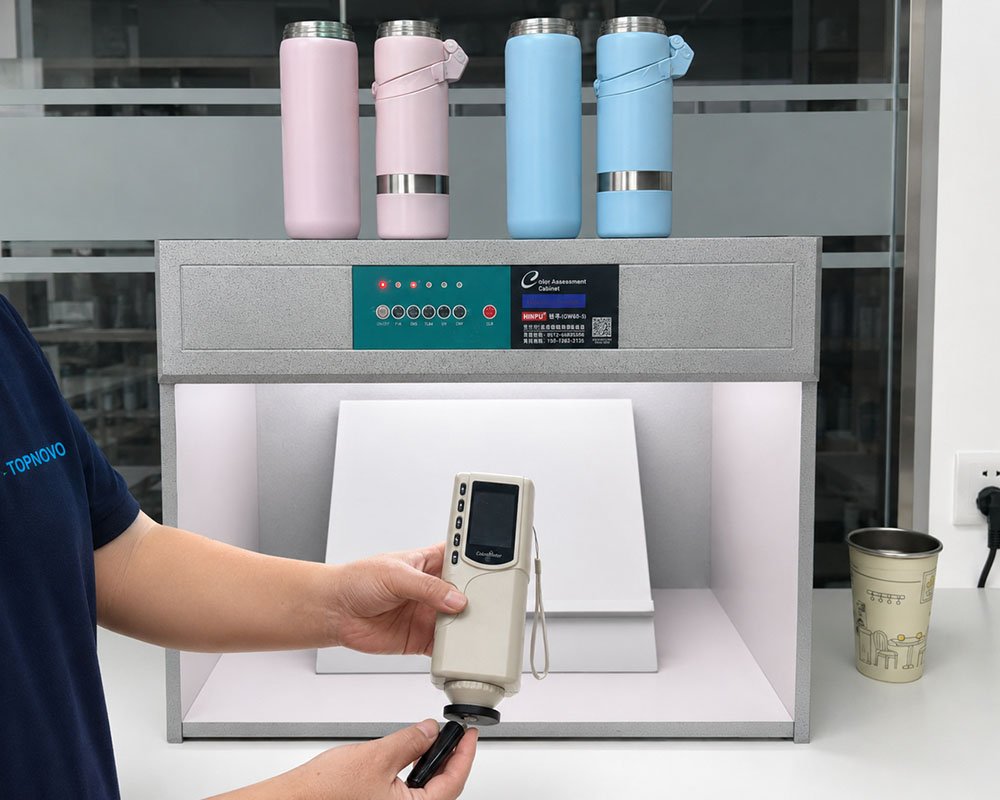
- Allow the item to cool as directed. Inspect the print under consistent lighting and record the settings used.
Equipment, coating, geometry and paper affect the result. A recipe for a ceramic mug may be unsuitable for a metal tumbler. Adjust one variable at a time on test pieces so you can identify what changed.
Diagnose common print issues before bulk approval
| Observation | First checks |
|---|---|
| Faint or uneven color | Check coating compatibility, contact and whether the approved settings were followed. |
| Blurred or doubled edges | Look for movement when securing or removing the transfer. |
| Gap or mismatch at the seam | Check the template dimensions, taper and alignment on the actual blank. |
| Unexpected color | Check the print profile, base color, artwork and evaluation lighting. |
What belongs on the approved sample record?
Record the blank and coating, artwork revision, equipment and process settings, approved appearance and care instructions. For a bulk program, confirm that subsequent blanks match the tested configuration. Review Topnovo’s sublimation tumbler options when comparing blanks for your process.